There are quite a few desktop
environments and these are too many to cover, so I will cover some of
the main ones, even though some of you may wonder why I have not listed
your favorite desktop environment. These are some of the more popular,
listed in alphabetical order. If I do not list your desktop that you use
daily, it does not mean it is not a good desktop, it just didn't make
the list.
- What is a Desktop Environment?
Most people using a computer have a desktop environment of some sort on
their system. There still exists some system without a Graphical User
Interface (GUI), but these are rare. Servers may not have a GUI, but
most workstations have a desktop.
The Desktop Environment is the GUI used as an interface for the user to
the underlying Operating System (OS). For example, you can create
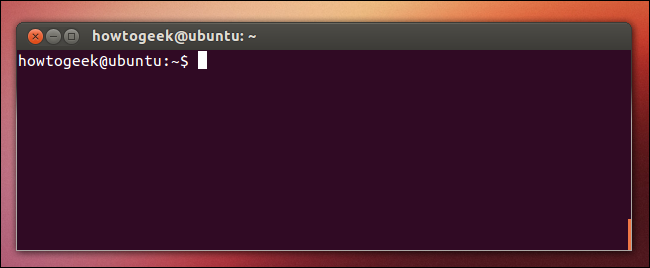
folders in the GUI with a mouse rather than typing in the command
'mkdir' in a Command-Line Interface (CLI) when you have no GUI
installed.
- Starting a new Desktop Environment
Once you’ve installed a desktop, you can logout and at the logon screen,
select your user name. In the lower right corner, there should be a cog
wheel or another button. Once you click the button, you’ll get a list
of installed Desktop Environments.
From the list, just select the Desktop Environment you want to use and
then type in your password and log into the system with a new desktop.
For ArchLinux, the button is on the top right.
After changing the Display Manager for Fedora, the option is on the top left of the login screen.
I will concentrate on three different systems to install the Desktop Environments:
- Ubuntu
- Fedora
- ArchLinux
NOTE: For ArchLinux, I installed a desktop not used in this article to install the others from the CLI.
Also, be sure to perform an update from the repositories for your distro.
- Budgie
Budgie has efficient performance. There are quite a few distros that come with Budgie already installed when you install the OS.
For Ubuntu, go to a terminal and type in the following command:
`sudo apt install ubuntu−budgie−desktop`
Comments
Post a Comment